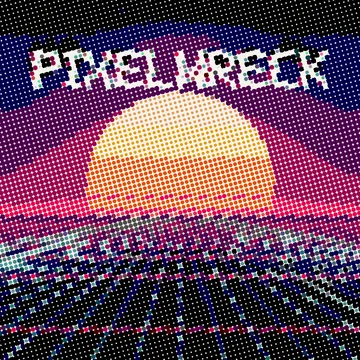
Moves with your music
Load a song, use the video's own sound or your mic. Then link any slider to the beat, the bass, the mids, the highs or the volume. Or loop it with an LFO.
Glitch video effects · in your browser
Datamosh, pixel sort, VHS and 20 more effects that move with your music. Drop in a clip, pick a look, export a TikTok-ready MP4. No install, no upload.
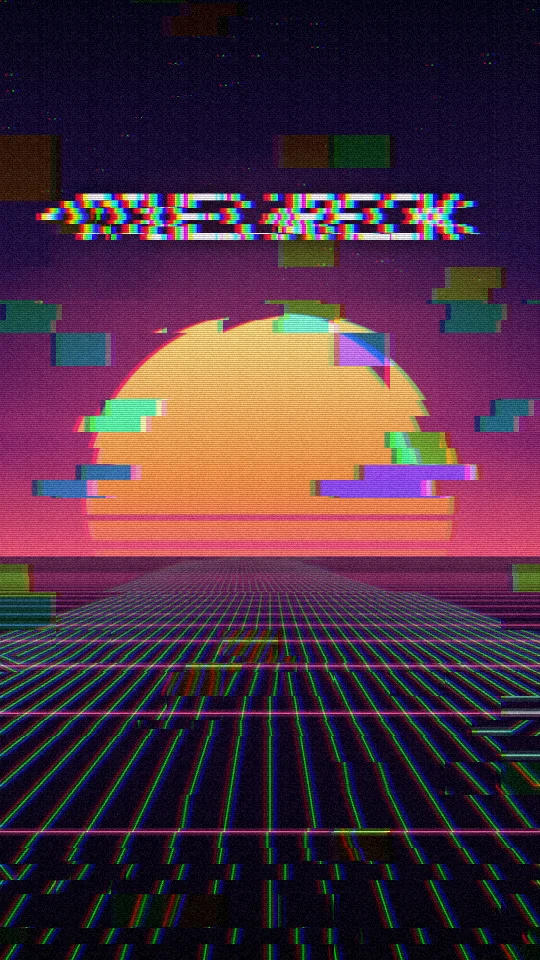
Signal LostFree
12 are free. Every one of them can move with your music. These are rendered with the real engine, the same one you get in the app.
Load a song, use the video's own sound or your mic. Then link any slider to the beat, the bass, the mids, the highs or the volume. Or loop it with an LFO.
23 effects in five groups: glitch, distort, color, stylize and texture. Reorder them, switch them off, tweak every setting. Press Randomize when you're stuck.
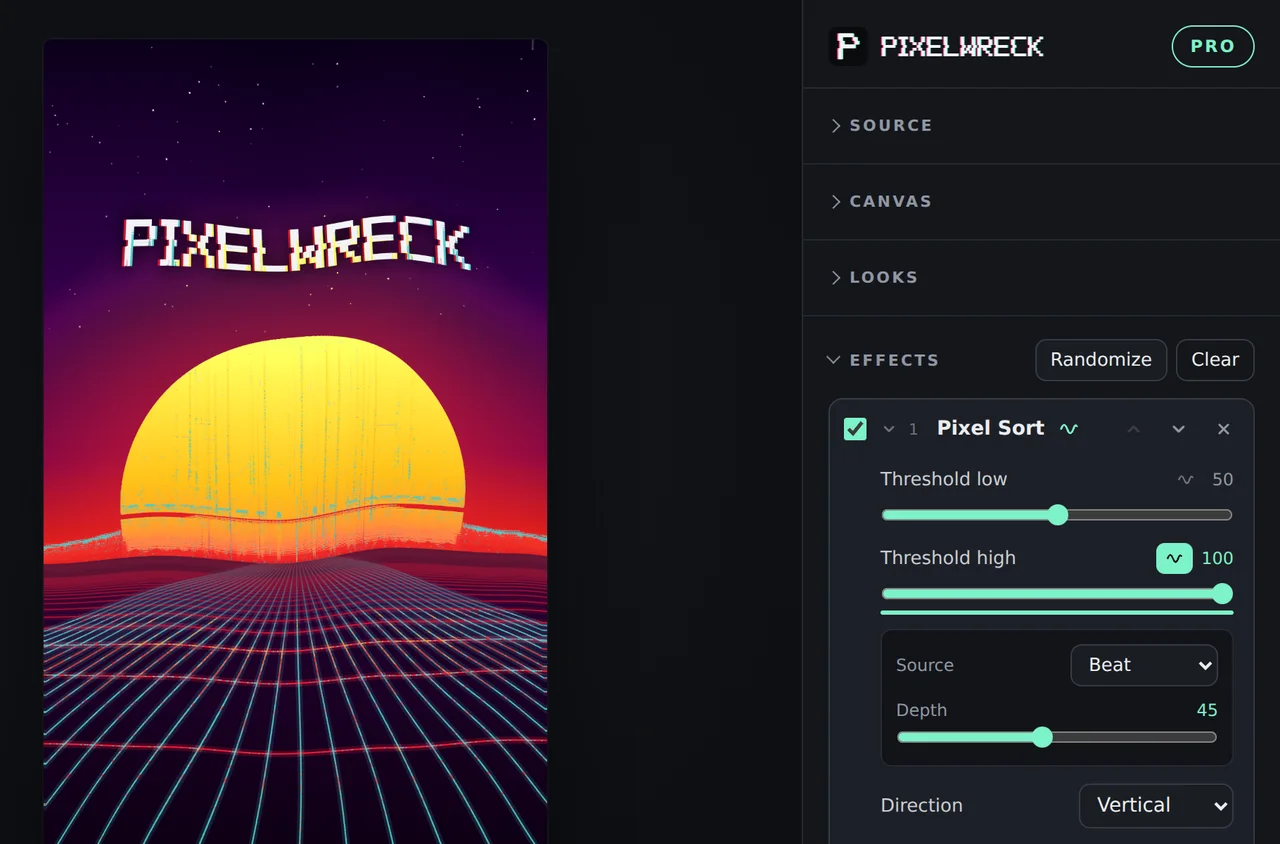
Export renders every single frame, so your video comes out smooth even on a slow laptop. H.264 video with AAC sound, ready for TikTok, Reels and Shorts.
Pixelwreck runs entirely in your browser. Your footage and music never leave your computer. There's no account to make and nothing to upload.
A video, a photo, or go live with your webcam. Add a song if you want it to react.
Start from a look, stack your own effects, or hit Randomize until something clicks.
Choose the length and press export. The file lands in your downloads, ready to post.
Everything creative is in the free version. Pro takes the watermark off and opens up the big exports.
$0forever
One-time payment
$19once, keep it
No. Everything runs in your browser on your own computer. Your videos, photos and music never leave your device. The only thing Pixelwreck ever sends is your license key, once, when you activate Pro.
Chrome or Edge on a computer gives the best result, with direct MP4 export. Safari and Firefox run all the effects too. If a browser can't export MP4 directly, Pixelwreck records the video live instead.
You can try the effects on a phone, but Pixelwreck is built for a computer. Rendering long or 4K videos needs desktop power.
No. You pay $19 once and keep Pro, including every future update.
Gumroad emails you a license key. Open Pixelwreck, click Go Pro, paste the key and press Activate. One key works in up to 10 browsers.
Yes. What you make with Pixelwreck is yours, with or without Pro. Just make sure you have the rights to the footage and music you put in.